Tools
BlenderSound Design
For this project I wanted to play around with rigid body simulation and sound design. I used Blender's rigid body system and played around with the settings until the sphere stayed on the course I wanted. For this animation I also recorded my own sounds (besides the music) and worked in Adobe Audition to edit them and make them fit the animation.
Process
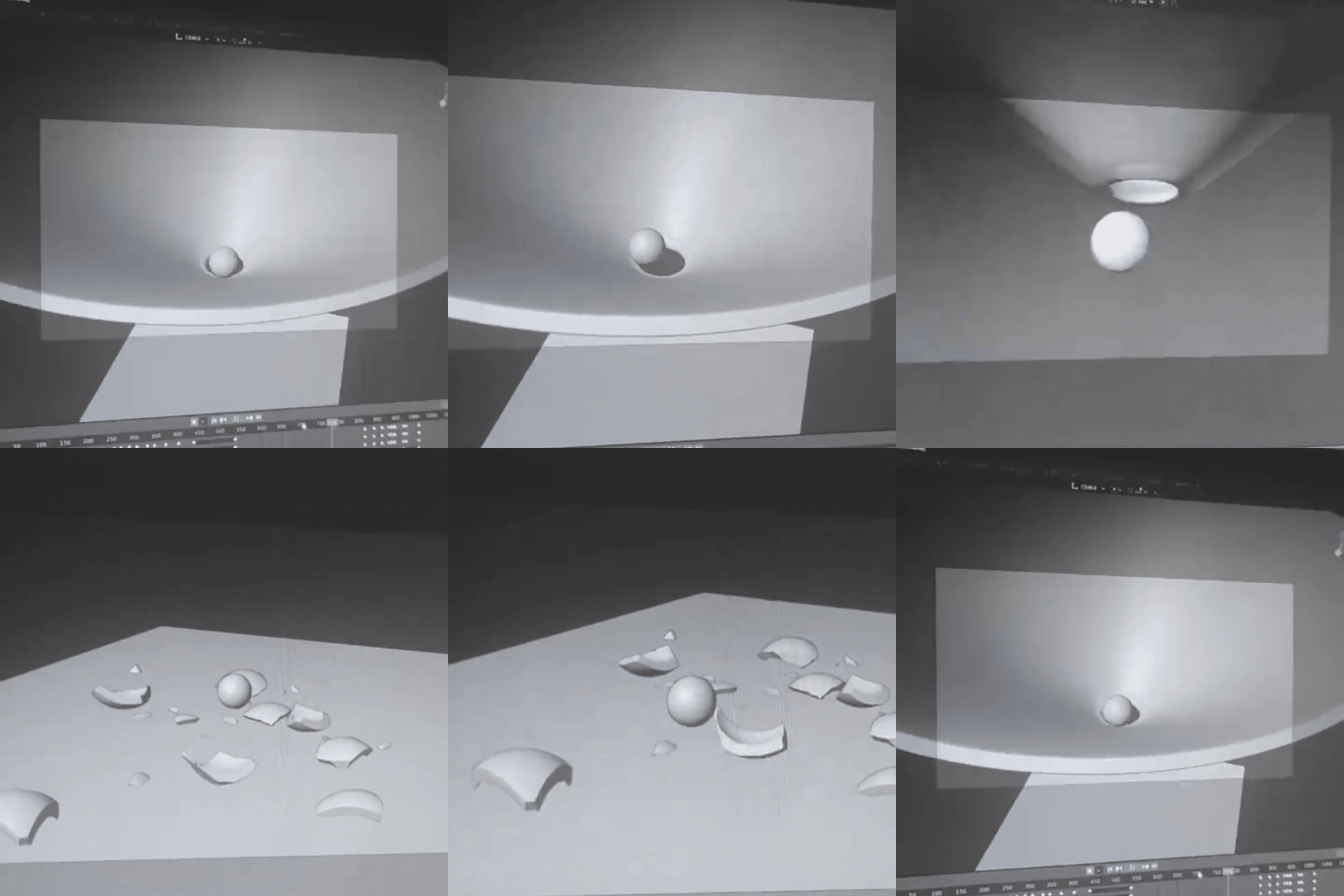
Animation
I started of by making a simple path layout for the ball to follow. After that I added the rigid body physics to the ball and the obstacles. I played around with the settings for a while until I was happy with the result. Once the ball was following the track nicely I needed to animate the camera. I first constrained the camera location at the start and end of the animation to create a seamless loop. Then I animated the camera to follow the path of the ball with tracking constraints.
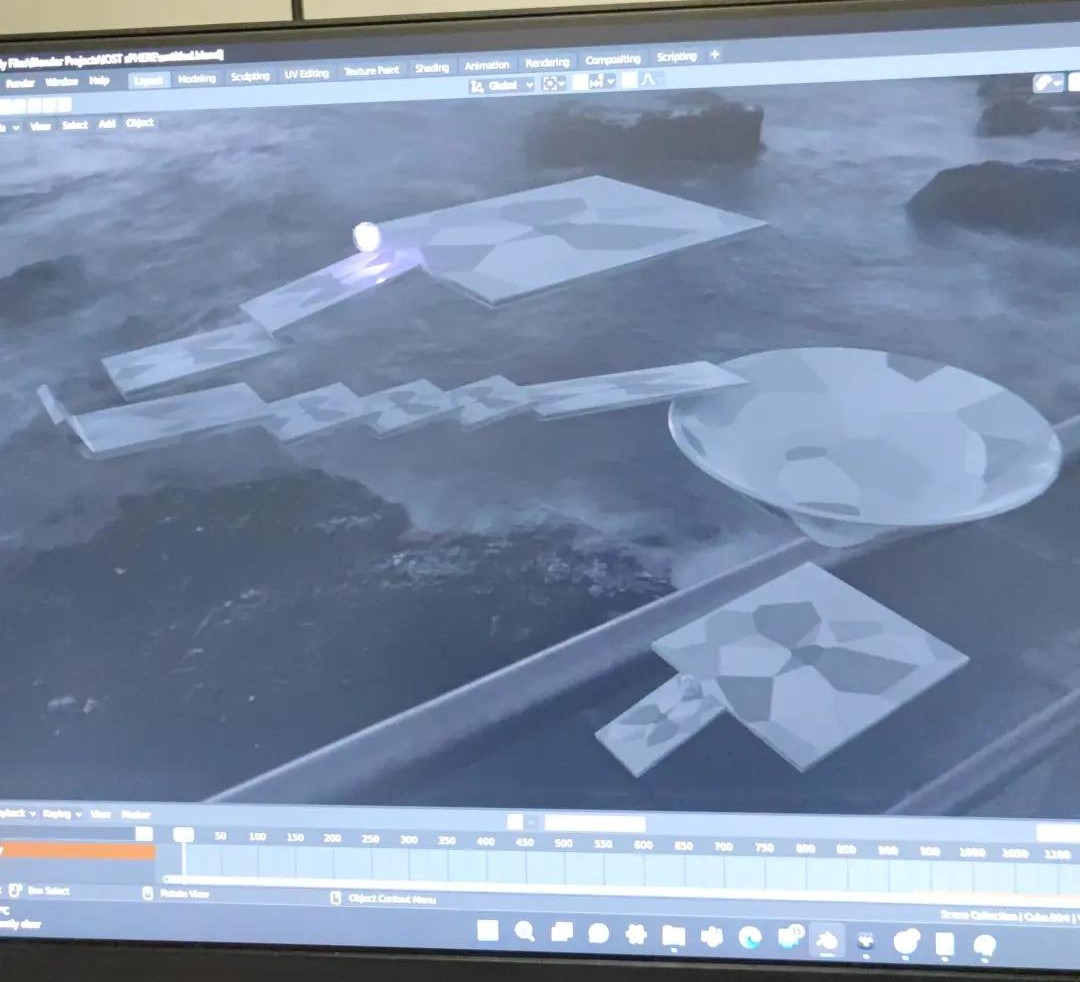
Texturing
I wanted to create a contrast between the organic and the inorganic. So I gave the ball a wavy material and a purple glow to the "soul". For the obstacles I used a voronoi texture with a black and white color ramp to make the ball stand out. I also made the HDRI black and white to draw attention to the purple "soul".
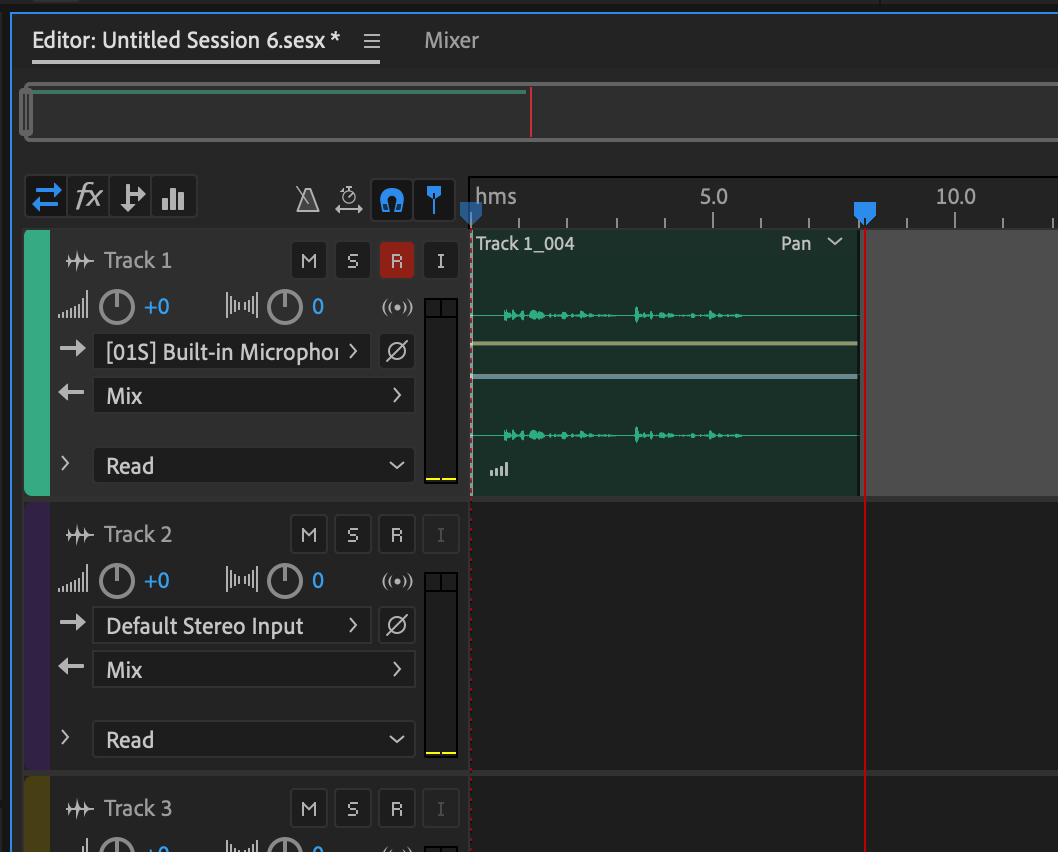
Sound Design
I wanted to create my own sounds for the ball-obstacle interactions. I used a golf ball and a rubber ball rolling around in a ceramic bowl and on the table to create various sounds I could layer to make a satisfying sound. For the breaking glass I layered multiple recording of a piece of glass hitting my desk. Finally, I used a stock effect with some post processing to create the "hum" at the end